What Is Tailwind CSS and How Does It Speed Up UI Development?
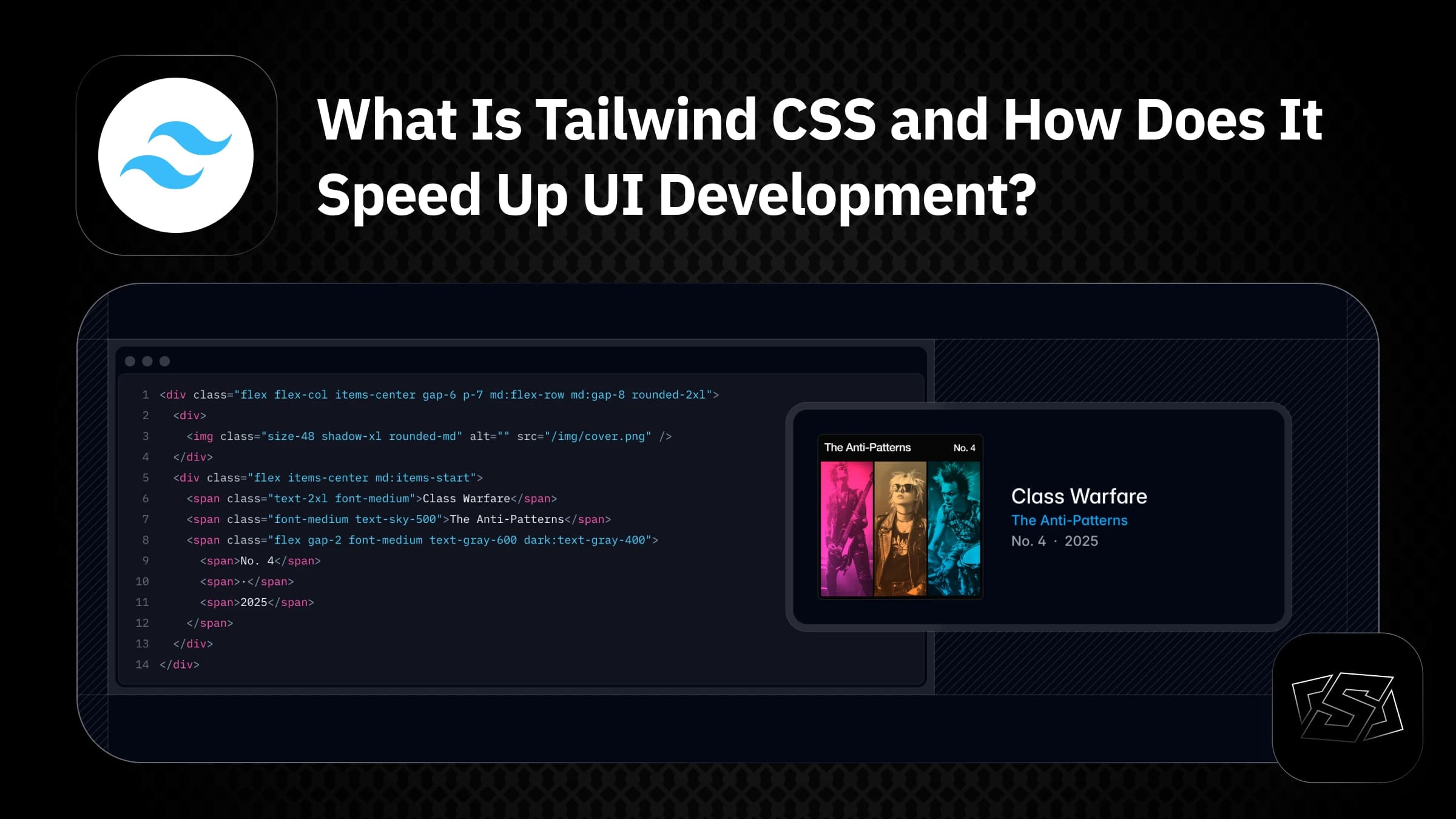
Tailwind CSS is a CSS framework built around the utility-first concept. Instead of providing pre-designed components like traditional frameworks, Tailwind offers small utility classes that directly represent CSS properties such as spacing, colors, typography, and layout. This approach allows developers to build user interfaces directly inside their components without constantly switching between HTML and CSS files.
1. Understanding Utility-first CSS
Utility-first means using small, single-purpose classes such as:
p-4for paddingtext-centerfor text alignmentbg-blue-500for background color
Instead of writing traditional CSS like this:
.card {
  padding: 16px;
  background-color: #3b82f6;
  color: white;
  border-radius: 8px;
}
You can write the UI directly with Tailwind CSS:
<div class="p-4 bg-blue-500 text-white rounded-lg">
  Card Content
</div>
This removes the need to create custom class names and additional CSS files.
2. How Tailwind CSS Helps You Build UI Faster
Tailwind significantly shortens the UI development workflow.
You can see design changes instantly while writing markup, without guessing or switching contexts.
For example, a simple button:
<button class="px-4 py-2 bg-black text-white rounded hover:bg-gray-800">
  Click me
</button>
With just one line of classes, you get spacing, color, hover effects, and rounded corners—no extra CSS required.
3. Comparison: Traditional CSS vs Tailwind CSS
Traditional CSS
<button class="primary-btn">Submit</button>.primary-btn {
padding: 8px 16px;
background-color: black;
color: white;
border-radius: 6px;
}Tailwind CSS
<button class="px-4 py-2 bg-black text-white rounded-md">
  Submit
</button>
Tailwind reduces file count, minimizes context switching, and improves readability across teams.
4. Who Should Use Tailwind CSS?
Tailwind CSS is ideal for Frontend Developers working with React, Next.js, or Vue.
It is especially useful for teams collaborating closely with UX/UI Designers, as designs can be translated into code more accurately and efficiently.
If your project prioritizes speed, flexibility, and maintainability, Tailwind CSS is a strong choice.
5. Conclusion
Tailwind CSS is more than a tool for speeding up UI development.
It helps create a clear and consistent code structure, reduces redundancy, and makes long-term maintenance easier.
The utility-first approach provides high flexibility, allowing developers to adjust layout, spacing, and styling directly within components without worrying about complex CSS architecture or class naming.
For teams that value development speed, design consistency, and effective collaboration, Tailwind CSS is a powerful and practical solution.
Comments (0 comments)
No comments yet. Be the first to share your thoughts!